
Summary
Quick answer: Send a vector logo (AI, SVG, EPS or PDF). If you only have an image, send a PNG about 3,000 px wide on a transparent background. Include your brand colour codes and tell us where the logo goes and how big.
- Best file type
- Vector: AI, SVG, EPS or vector PDF
- Image files
- PNG or JPG at 300 dpi at print size (about 3,000 px wide for a 25 cm print)
- Background
- Transparent, with no white box
- Colours
- Share HEX or Pantone codes
- Smallest details
- Lines at least about 1 mm, text at least about 8 pt at print size
- Typical print sizes
- Left chest 8–10 cm wide; full front 25–30 cm wide
- Avoid
- Screenshots and logos saved from WhatsApp or social media
- Not sure?
- Send the file anyway. We check it before you pay.
Your logo might look perfect on screen and still print blurry, boxy or off-colour. Most print problems start with the file, and they’re easy to avoid. Here’s what to check before you send your logo, so your shirts, caps and mugs come out exactly the way you pictured them.
1. Send the right file
If you have a vector file, send that first. Vector formats like AI, SVG, EPS or a vector PDF are made of shapes rather than pixels, so they stay sharp at any size, from a pocket logo to a full back print.
Not sure what you have? Ask whoever designed your logo for the “original” or “vector” file. It’s usually the file that ends in .ai, .svg or .eps.
2. Go big on resolution
If all you have is a PNG or JPG, the bigger the better. A good rule of thumb is 300 dpi at the size it will be printed. For a front print around 25 cm wide, that means an image roughly 3,000 pixels wide.
Screenshots, logos saved from WhatsApp, and images copied from social media are usually too small. They look fine on a phone but turn soft and pixelated when printed.
3. Lose the background
A logo on a white box will print as a white box. Send your logo on a transparent background (PNG or vector) so only the logo itself is printed. This matters most on coloured shirts, caps and bags.
The best print files are boring: transparent background, solid colours, and big enough to print at full size.
4. Lock in your colours
Screens and fabric show colour differently. If your brand has exact colours, share their HEX or Pantone codes with your order. We’ll match them as closely as the material allows and show you on the mockup before anything is printed.
5. Keep details printable
Very thin lines, tiny text and soft shadows can disappear on fabric. As a guide, avoid lines thinner than about 1 mm and text smaller than about 8 pt at print size. Simpler versions of a logo often print better on small items like caps and pens.
6. Tell us size and placement
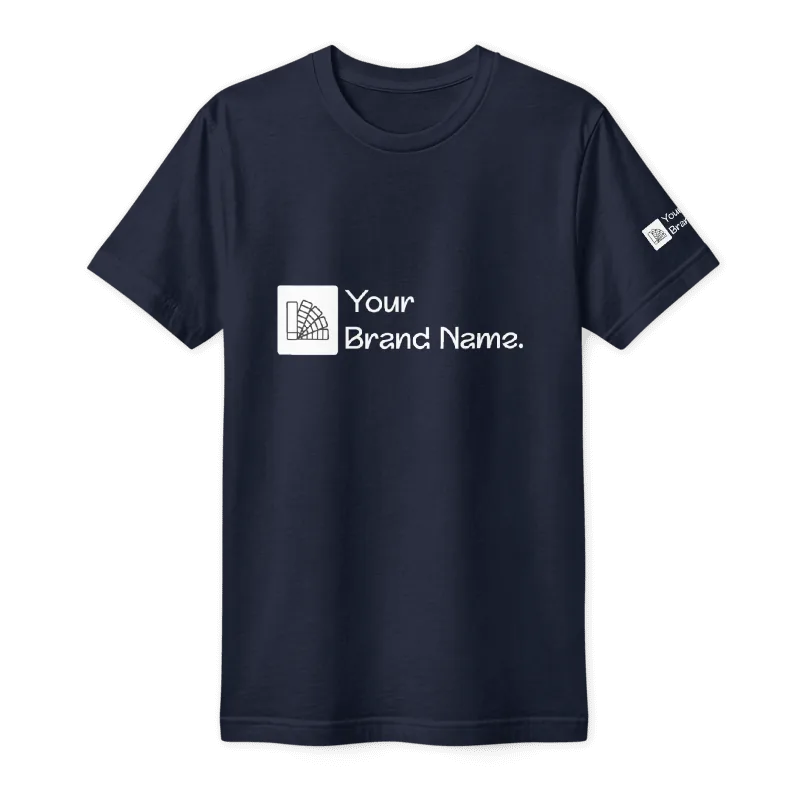
Let us know where the logo should go and roughly how big: front, back, left chest, sleeve or somewhere else. A left-chest logo is usually around 8–10 cm wide, while a full front print is often 25–30 cm. Not sure? We’ll suggest a size on your mockup.
- Vector file (AI, SVG, EPS or PDF) if you have one
- Otherwise a large PNG, about 3,000 px wide
- Transparent background, no white box
- Brand colour codes (HEX or Pantone)
- Where the logo goes and roughly how big
Not sure your file is good enough? Send it anyway. We’ll check it and let you know if it won’t print well, before you pay for anything.